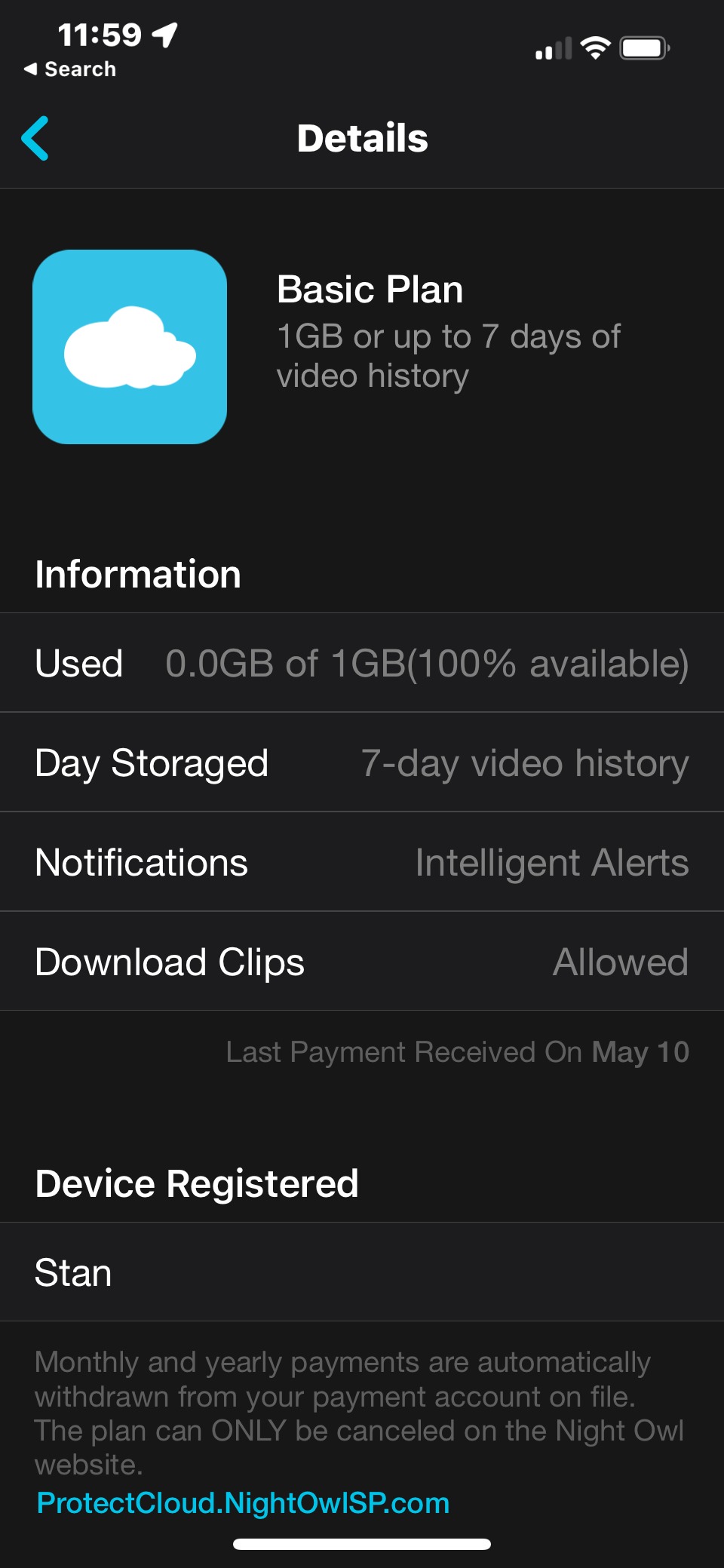
You can easily verify your Night Owl Protect Cloud plan is active and access your plan's information from within the Night Owl Protect App on your mobile device. To do so, follow these simple steps:
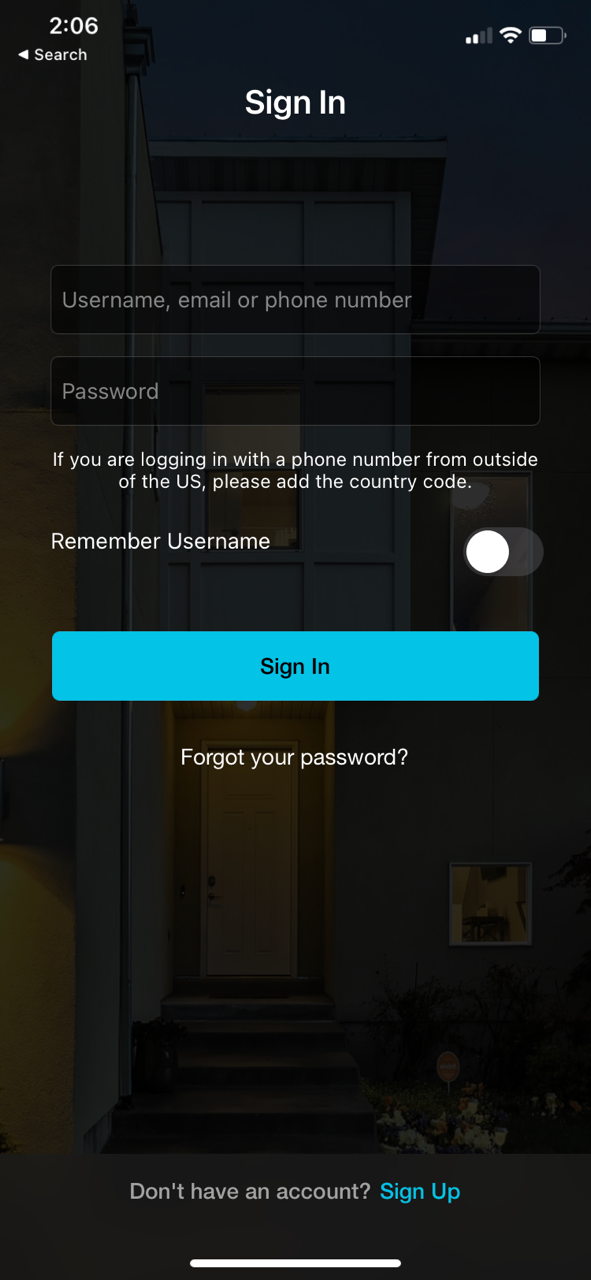
STEP 1: Open the Night Owl Protect App from your mobile device and Sign In.
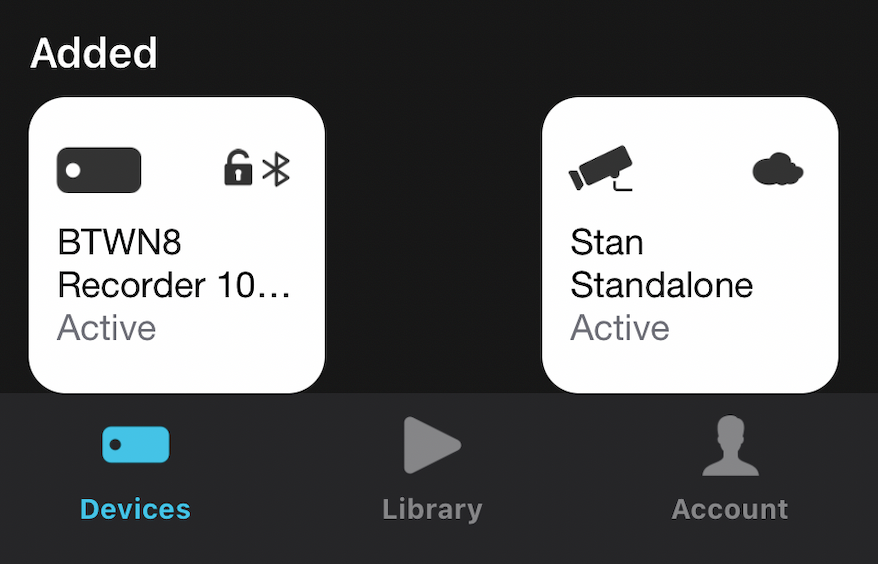
STEP 2: Once singed in, tap on Account.
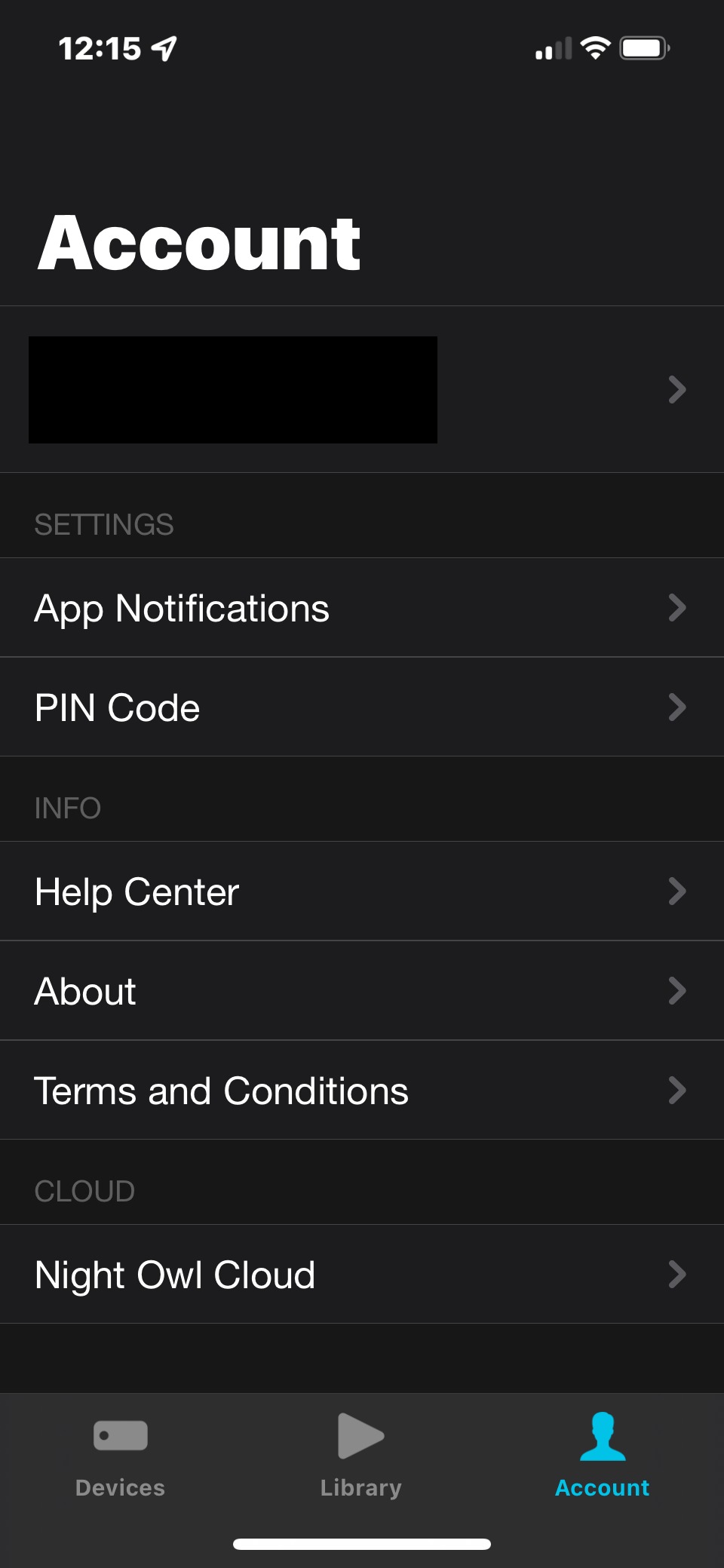
STEP 3: Tap on Night Owl Cloud.
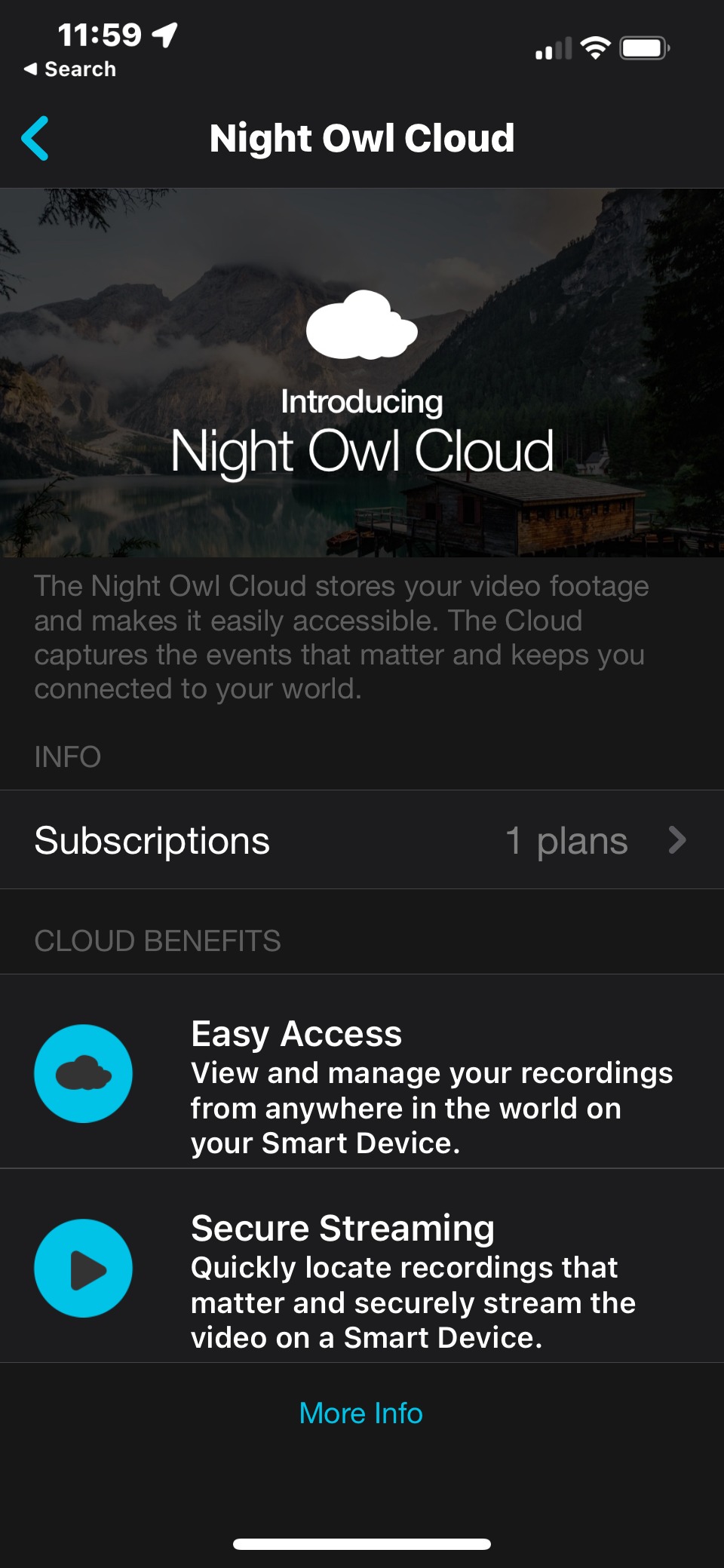
STEP 4: The following page will show how many active subscriptions you have. Tap on Subscriptions to see more detail.
STEP 5: Tap on your plan to see more information.
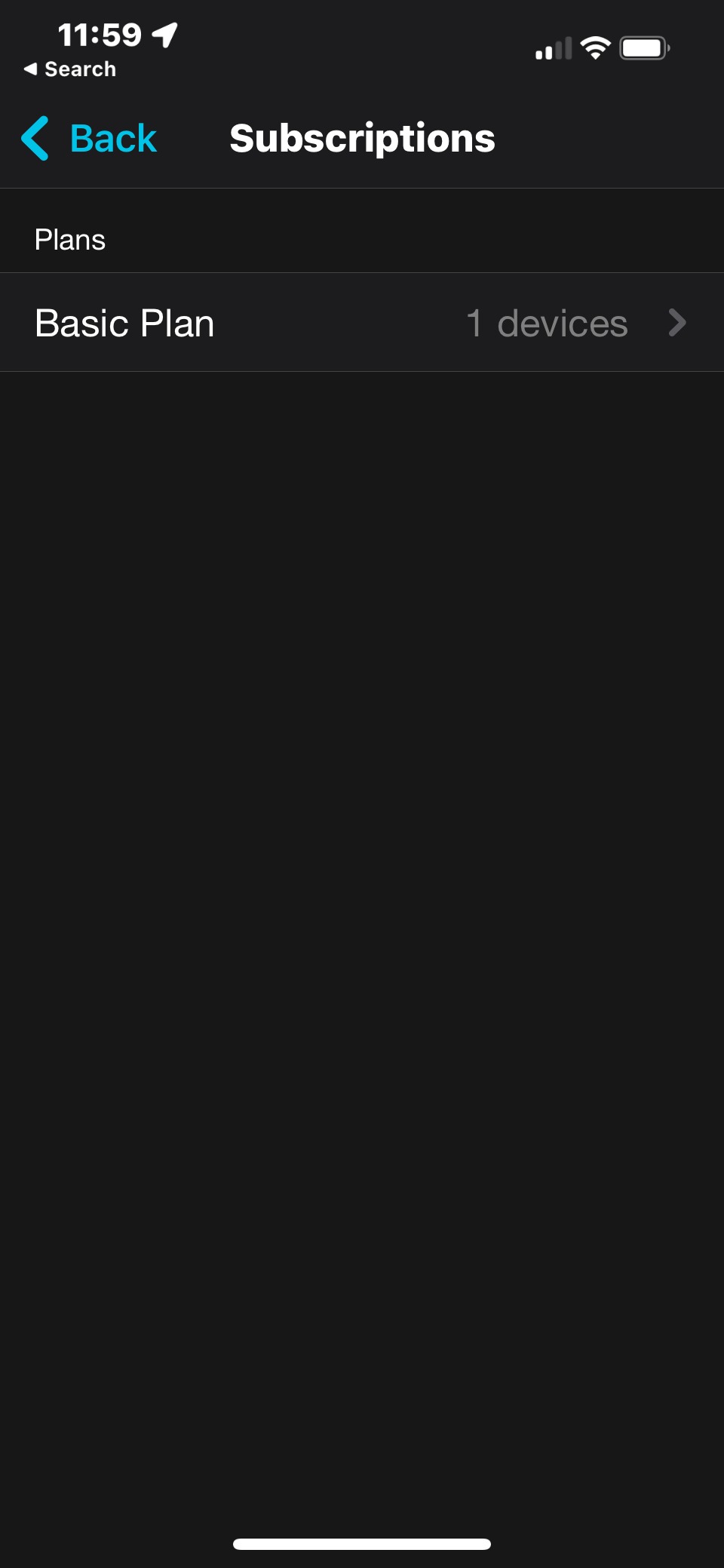
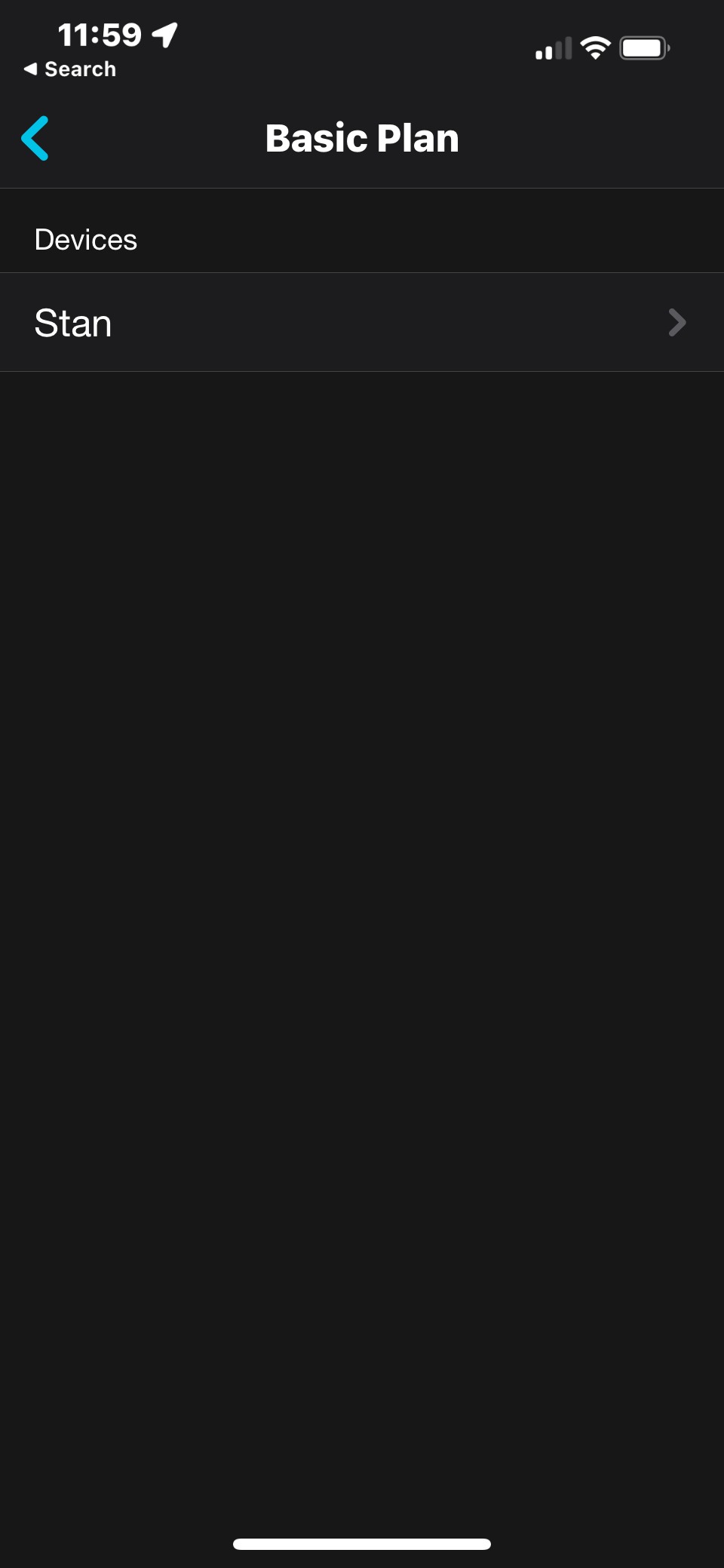
STEP 6: Finally, tap on your device name to see the full details of your Night Owl Protect Cloud plan.
Thank you for choosing Night Owl!
Was this article helpful?
That’s Great!
Thank you for your feedback
Sorry! We couldn't be helpful
Thank you for your feedback
Feedback sent
We appreciate your effort and will try to fix the article