
Should you need to cancel your Night Owl Protect Cloud plan for a compatible device, simply follow these steps:
STEP 1: Log in to your Night Owl Protect Cloud account by visiting https://protectcloud.nightowlsp.com/
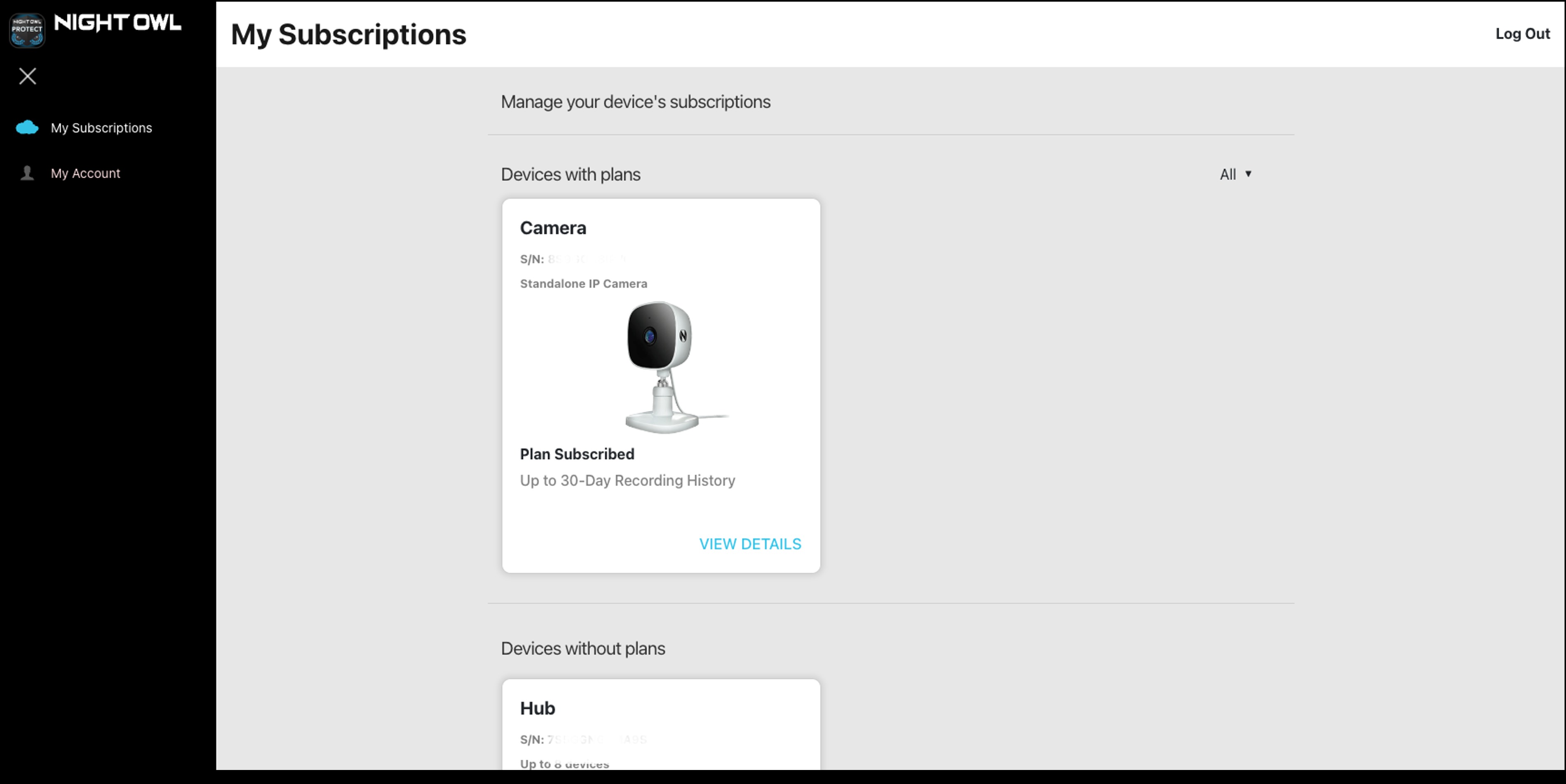
STEP 2: From the My Subscriptions page, go to Devices with plans and click VIEW DETAILS for the device you wish to cancel.
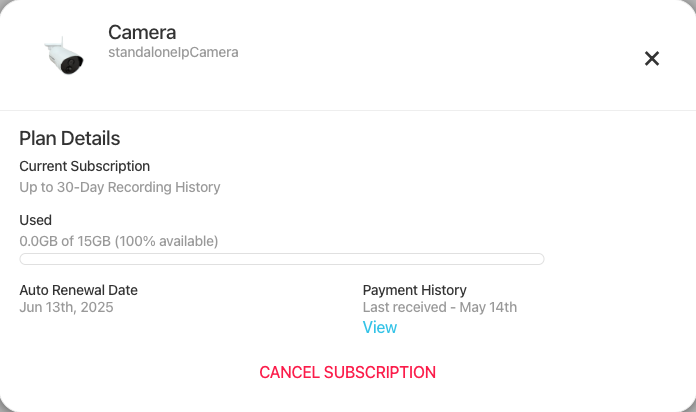
STEP 3: Click CANCEL SUBSCRIPTION.
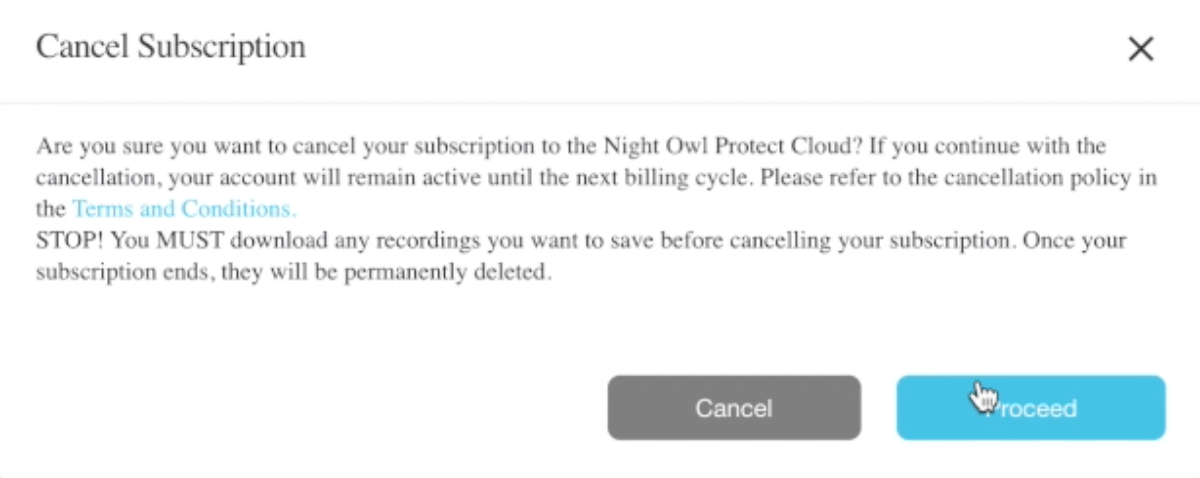
 | Please download any recordings you want to save before cancelling your Cloud plan. Once your subscription ends, ALL recordings will be permanently deleted. |
STEP 4: To complete the cancellation, click Proceed.
Thank you for choosing Night Owl!