
Night Owl Protect Cloud allows you to store and access your recordings digitally for select compatible products. To sign up, follow these simple steps:
 | The Night Owl Protect Cloud is NOT available for all Night Owl products. It is ONLY compatible with select devices. View compatible devices HERE. |
STEP 1: Visit https://protectcloud.nightowlsp.com/
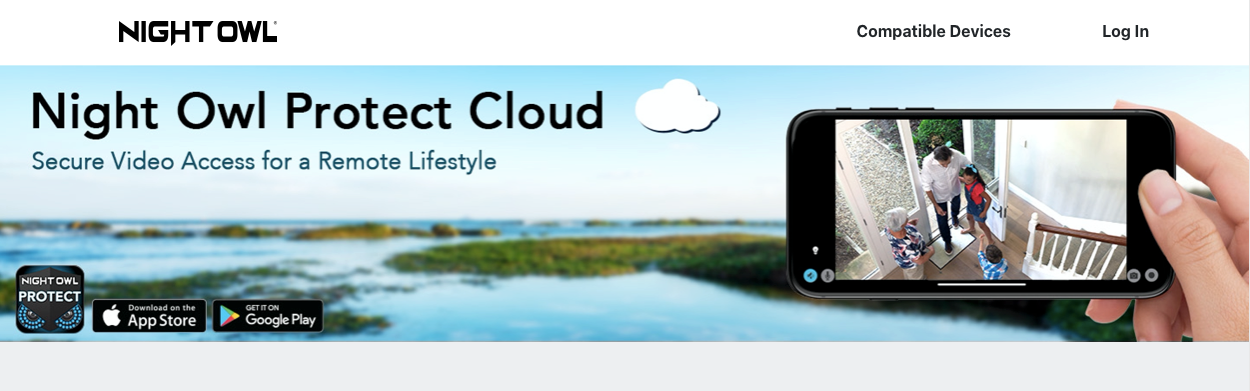
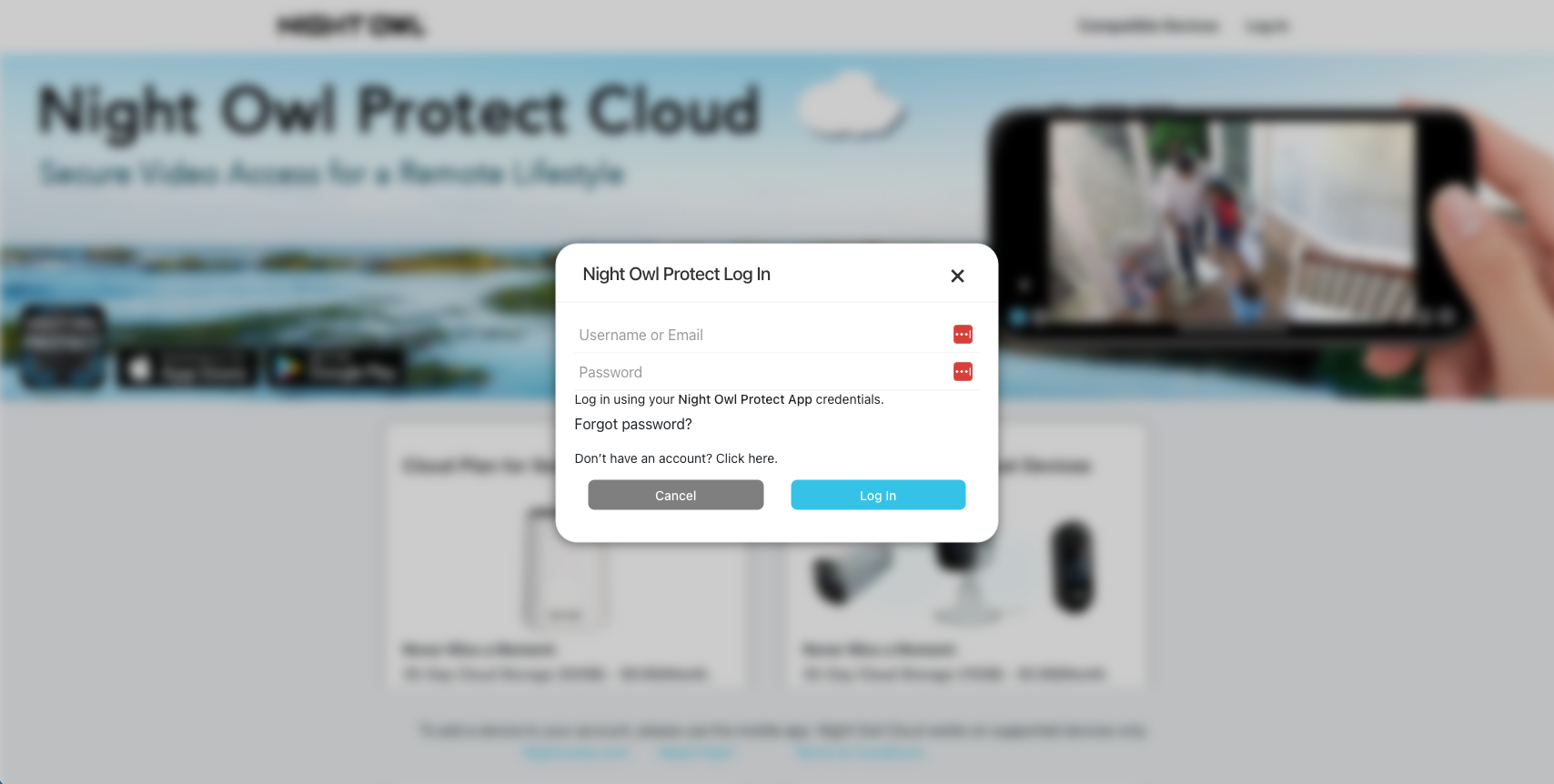
STEP 2: Click on Log In in the top right corner and then enter your Night Owl Protect Login Credentials.
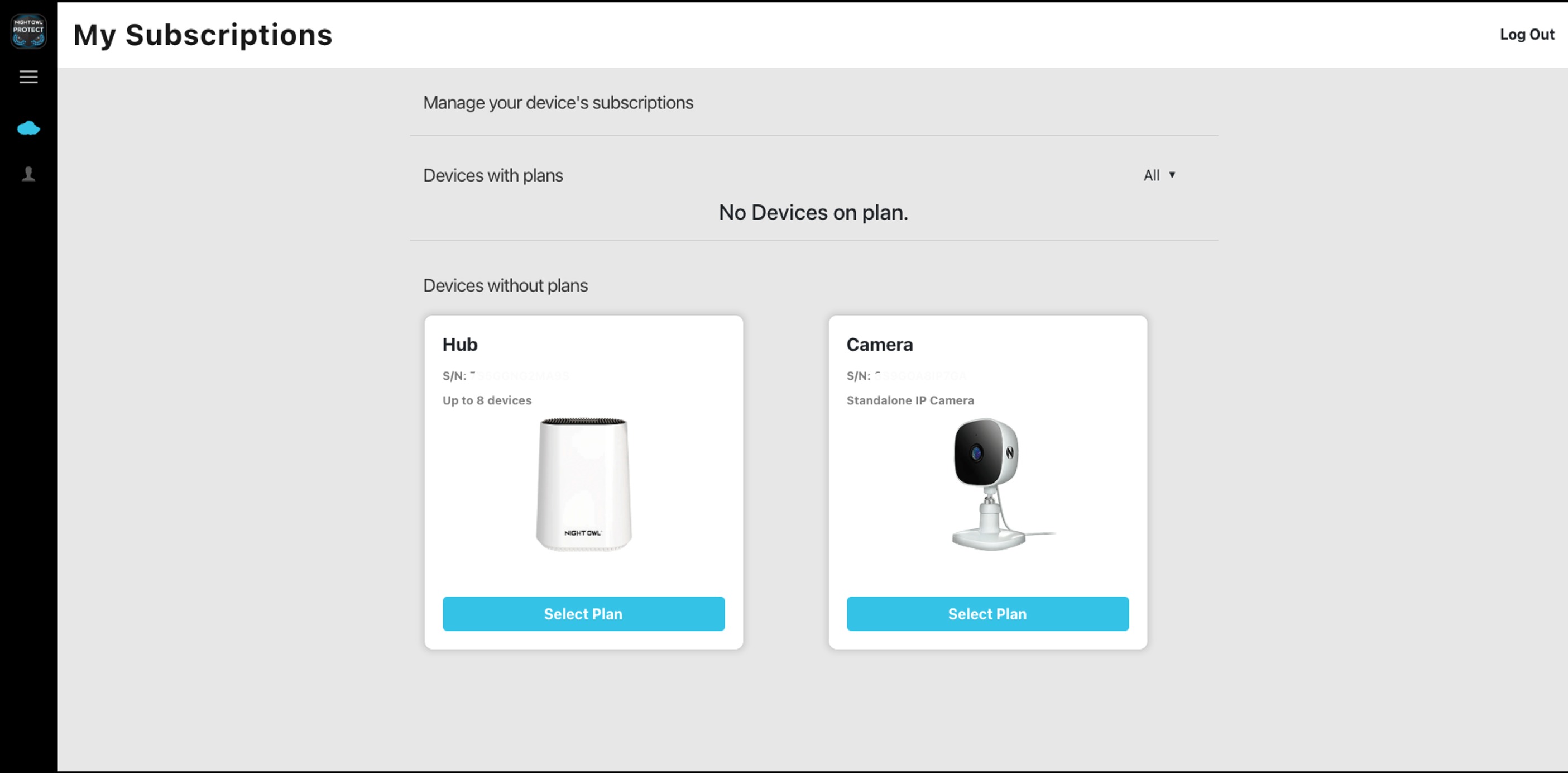
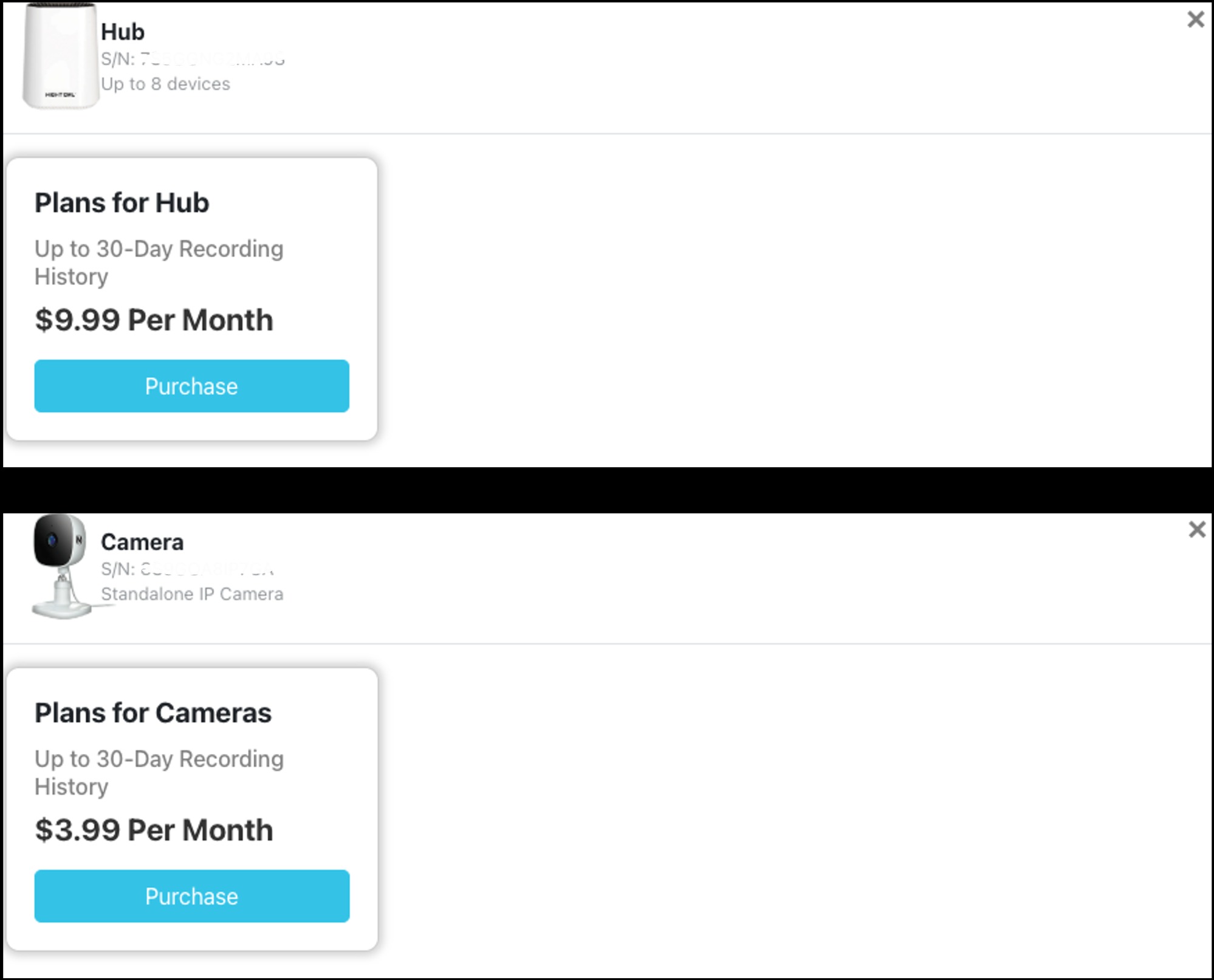
STEP 3: Under Devices without plans, you will see all devices you have connected to your Night Owl Protect account that do not currently have a Cloud plan. Choose which device you wish to cover and click Select Plan.
STEP 4: After Choosing which device you wish to purchase a cloud plan for, click Purchase.
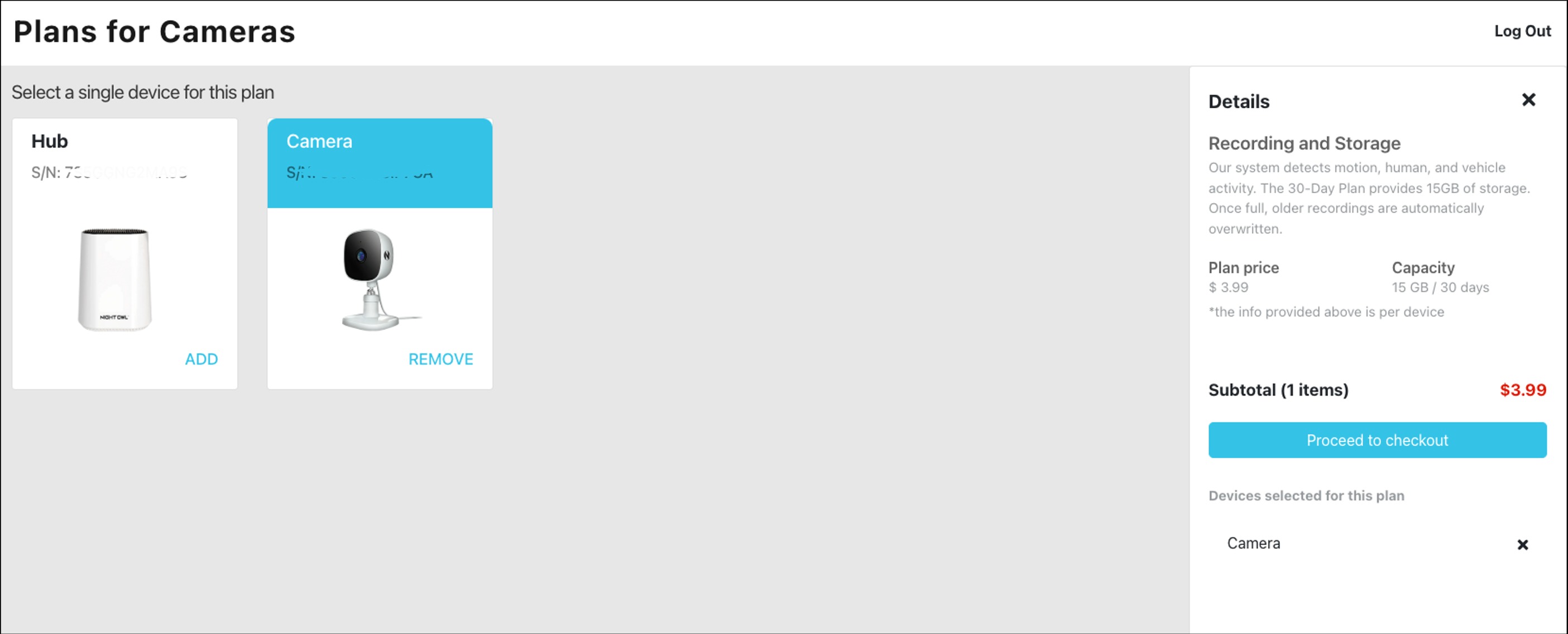
STEP 5: Review the information pertaining to the plan you chose and click Proceed to checkout.
STEP 6: Please enter your zip code for tax purposes, then click Continue.
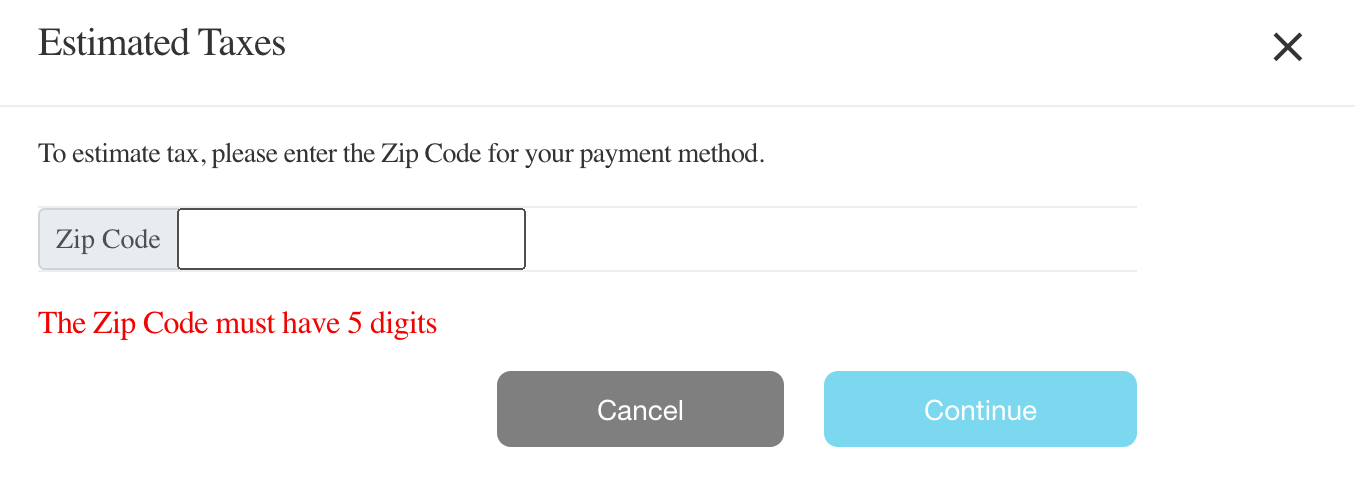
NOTE: You will be asked to verify your zip code for the first purchase.
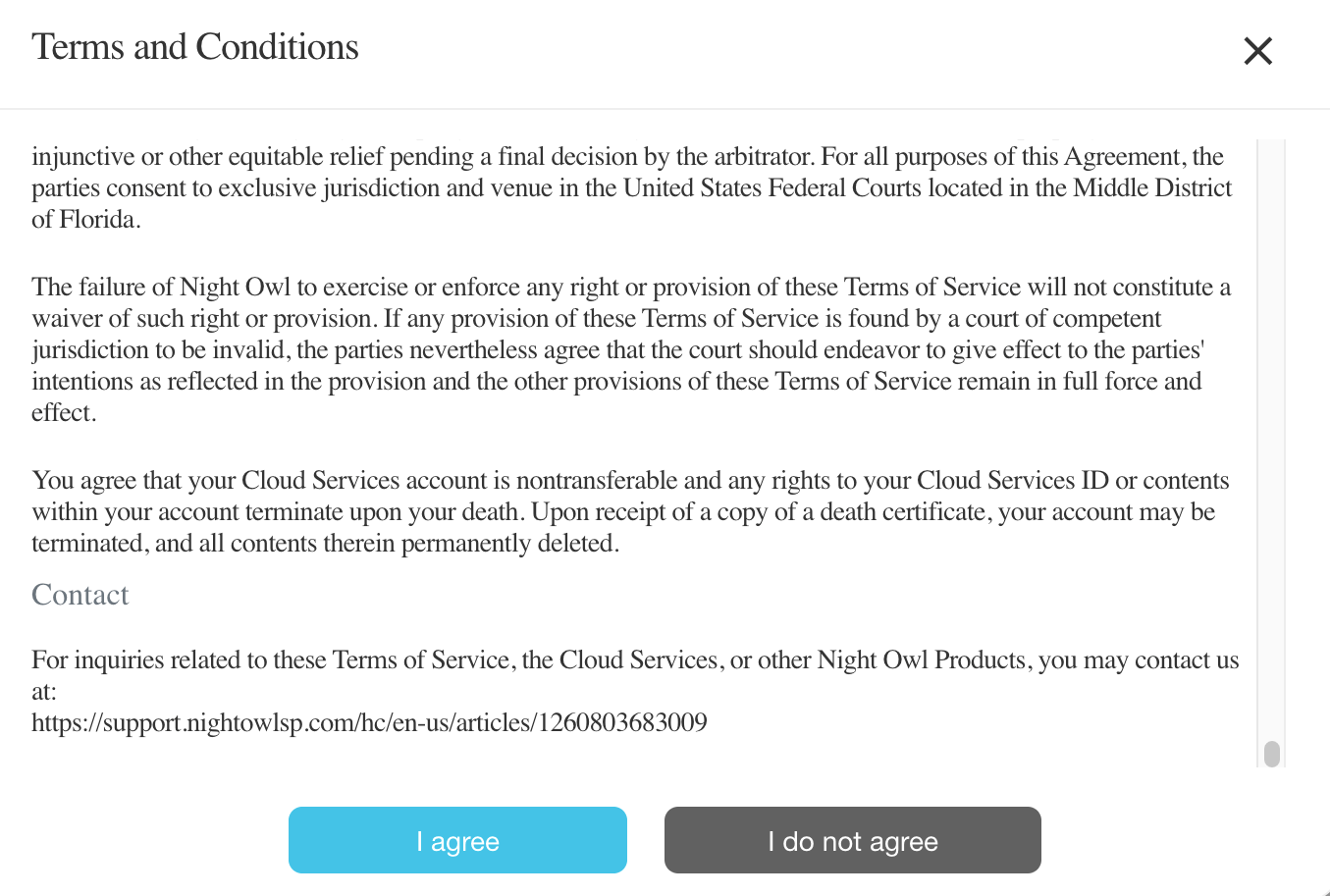
STEP 7: Read through the Terms and Conditions for the Night Owl Protect Cloud and then click I agree. You must agree to proceed with a Cloud plan.
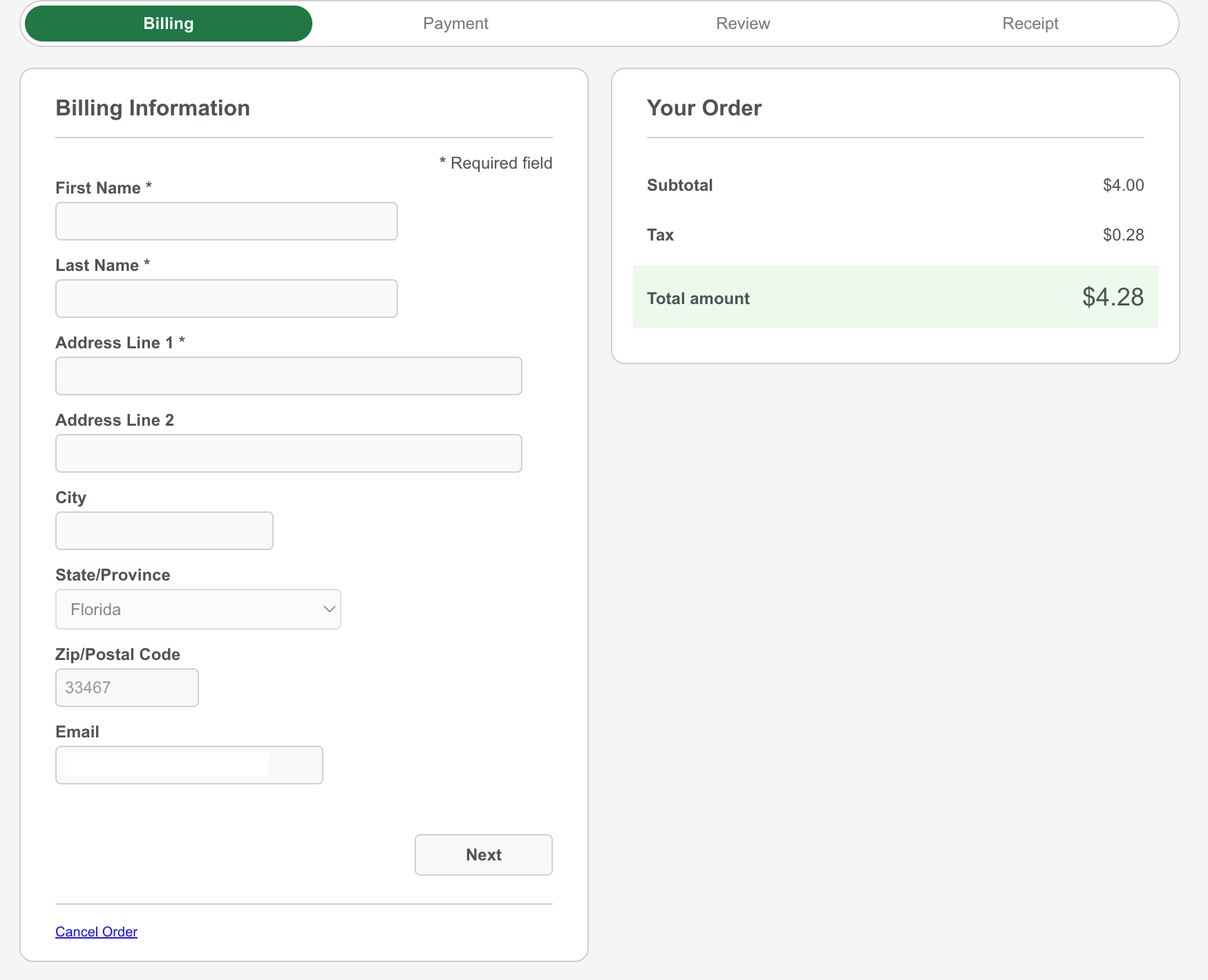
STEP 8: Enter your Billing information, then click Next.
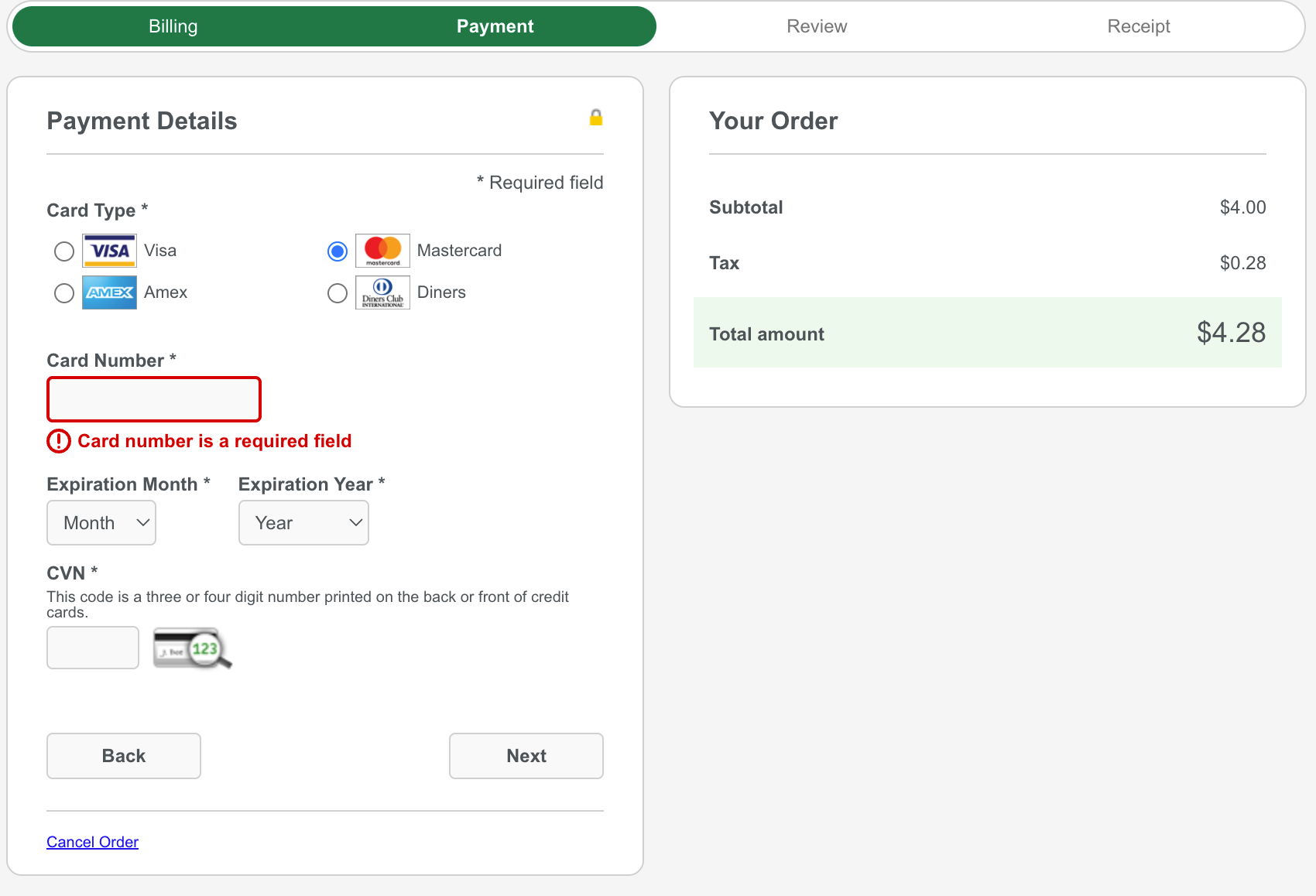
STEP 9: Enter your Payment information, then click Next.
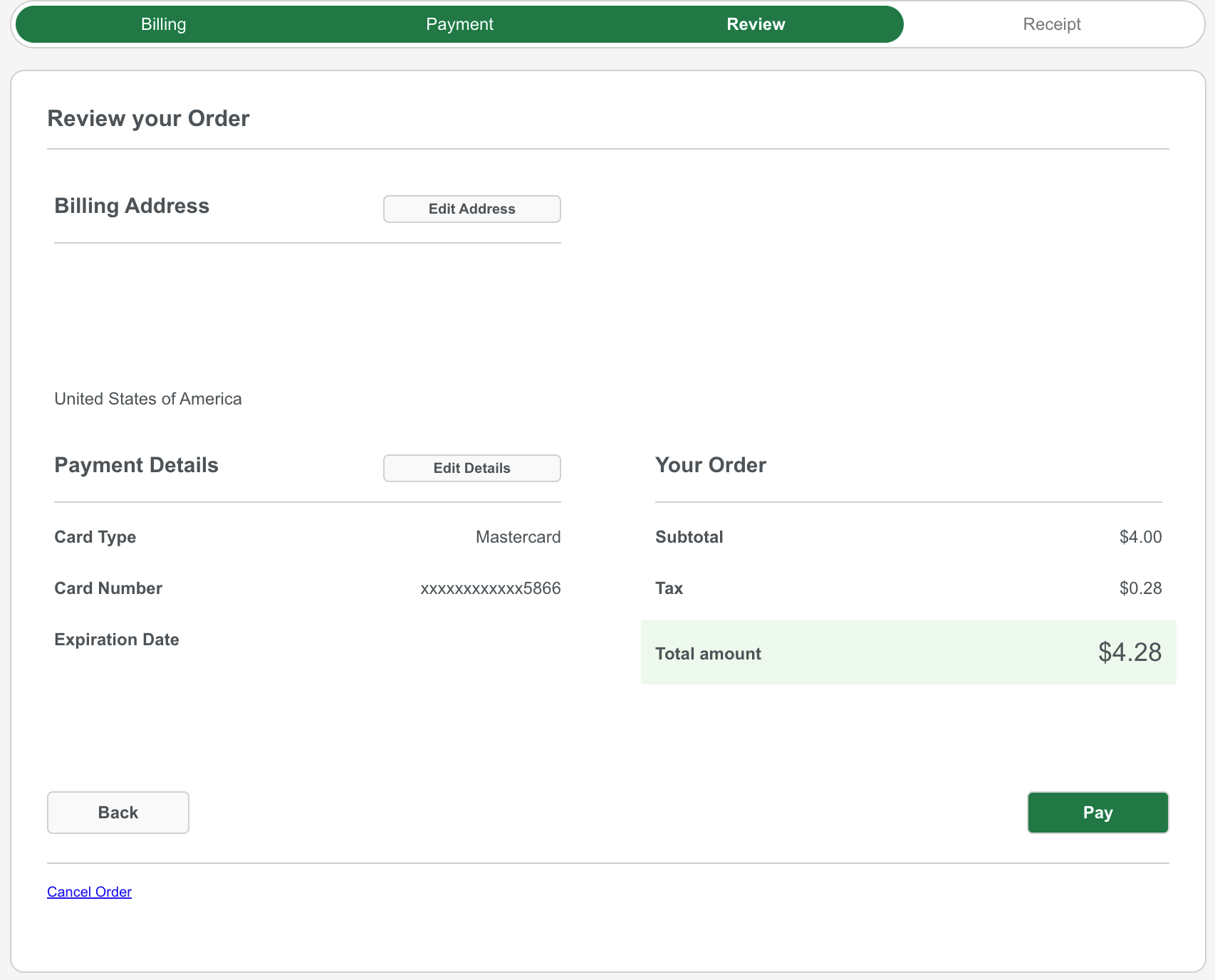
STEP 10: Review your Payment information, then click Pay.
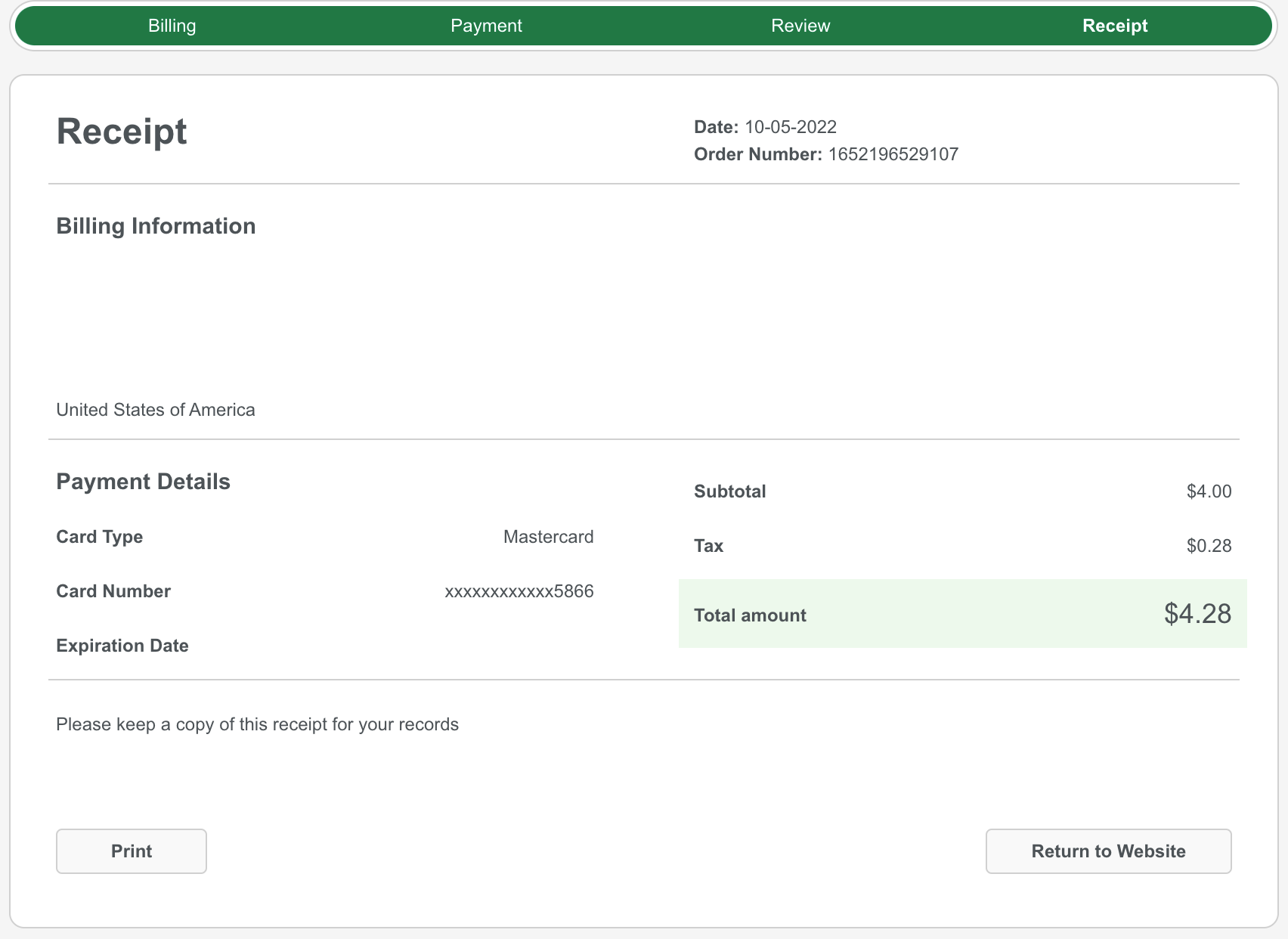
STEP 11: You will now see your receipt and should receive an email confirmation.
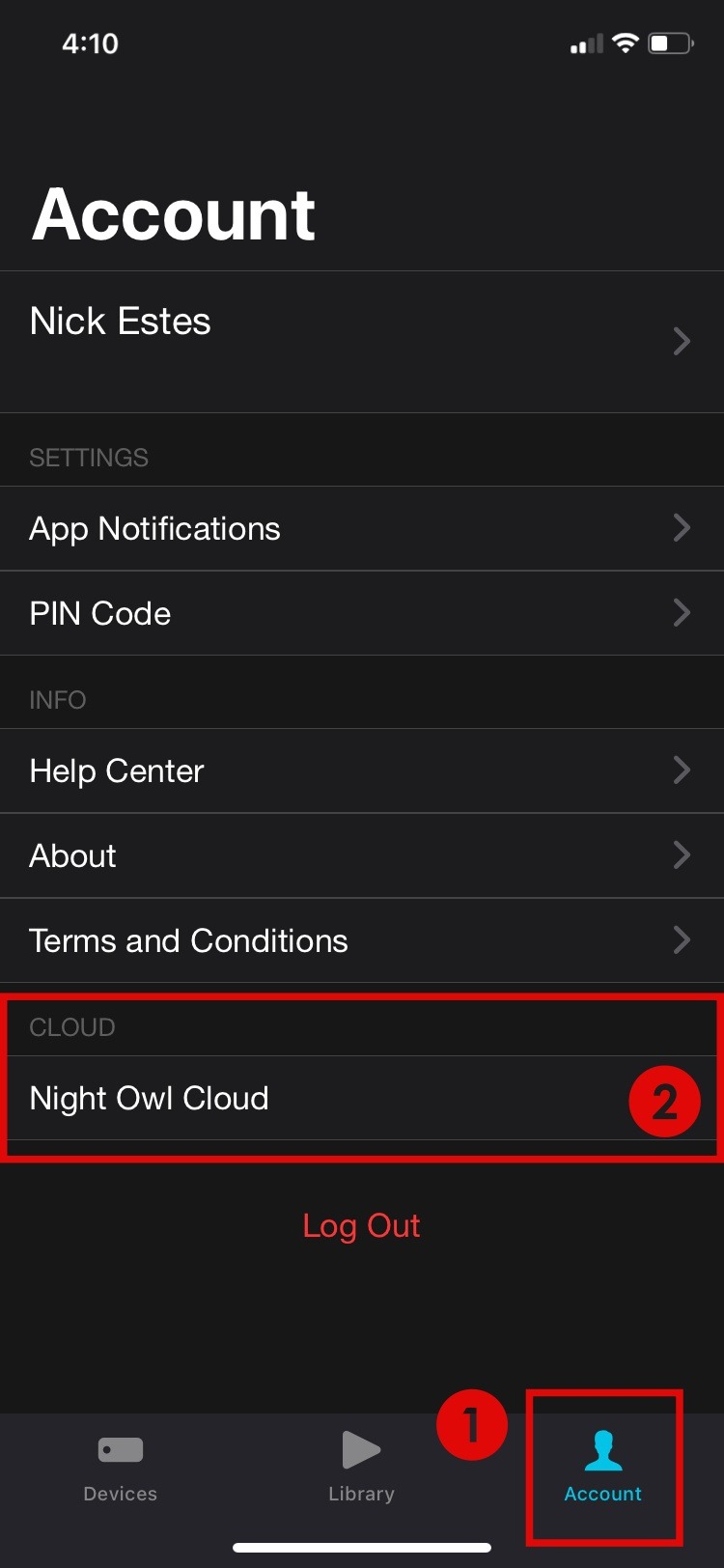
STEP 12: You can manage your Cloud plan in the Night Owl Protect Cloud portal (https://protectcloud.nightowlsp.com/). Additionally, you can view your Cloud plan information and access your recordings right from the Night Owl Protect App on your mobile device. Simply 1) Tap Account on the main device screen followed by 2) Night Owl Cloud.
NOTE: If you have the app open while purchasing your Cloud plan through the portal, you may need to logout of the app and reopen it to see the active plan.
Thank you for choosing Night Owl!